06. January 2026
Admin
Google Rolls Out Redesigned Snapseed Photo Editor for Android
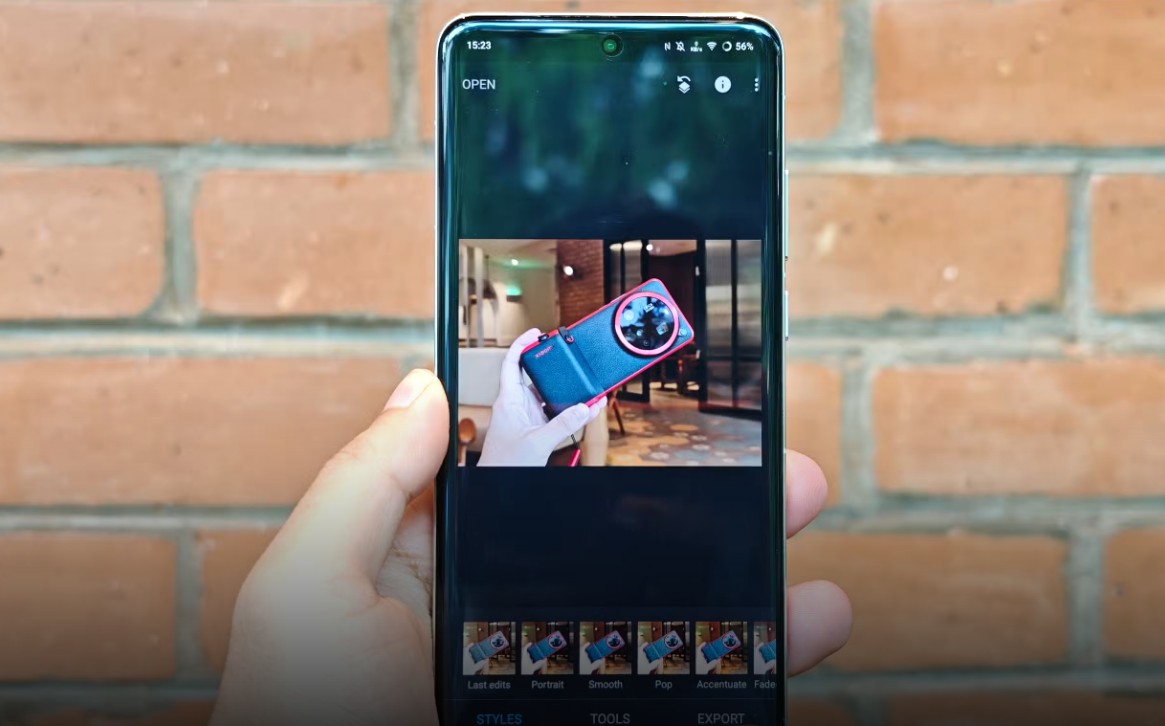
Google has confirmed that it is preparing to bring a major redesign of its popular Snapseed photo-editing app to Android devices. The updated version — already seen on iOS — reorganizes the interface and adds a more modern layout to improve usability and editing flow.
Quick Insight:
After years without a significant interface overhaul, Snapseed’s refreshed design for Android will bring a cleaner editing workflow, easier access to tools and filters, and a more intuitive experience for users of all skill levels.
A Fresh Take on the Editing Experience
• The new Snapseed interface introduces a **home grid view** where recently edited images are displayed at launch, making it easier to resume work.
• Tools and features are reorganized into clear sections such as **Looks, Faves, and Tools**, so users can find filters and editing options more quickly.
• Common actions like applying adjustments still use familiar gestures, but the layout and navigation aim to feel more modern and accessible.
Features You Can Expect
• The redesign keeps core photo-editing capabilities like brightness, contrast adjustments, cropping, and retouching.
• Users can save their most used tools into a **Faves** section for quicker access.
• Preset filters and creative tools are organized to help both casual and advanced editors explore effects more efficiently.
Timeline and Availability
• Google has started development work on the Android update, with a rollout expected in the coming months.
• While the exact release date has not been set, the redesign is anticipated to follow the earlier iOS release, bringing feature parity across platforms.
• Users are encouraged to keep their app updated to receive the new interface as soon as it becomes available.
Final Thoughts
The Snapseed redesign represents one of the biggest updates to the app in years, offering a refreshed look and reorganized editing workflow that should make photo editing more intuitive on Android devices. As this revamp arrives, both casual users and seasoned editors can look forward to a smoother editing experience and easier access to powerful tools.